
When an App Actually Earns Its Place in Your Pack
Travel safety apps get a lot of marketing hype, but their real value is narrower and more specific than the ads suggest. Most travelers won't need every feature - but certain situations make particular functions genuinely useful. The goal here isn't to tell you which app to download; it's to show you the real-world scenarios where these tools hold up under pressure, and what to look for when you're evaluating one.
Critically, no app replaces a solid contingency plan. If you haven't already built one, the pre-trip emergency planning framework is a logical first step before you even open an app store. Think of apps as one layer of a broader system - not the whole system.
Navigating Without Cellular Data
Roaming data can be expensive, unreliable in rural areas, or simply unavailable in certain countries. Offline maps - downloaded in advance - let you navigate on foot or by vehicle without any data connection. This is particularly relevant if you're renting a car in a country where your SIM card won't work, or hiking in a national park with no signal.
Look for apps that allow full regional downloads, not just cached tiles. A downloaded region should include street-level detail, search, and turn-by-turn directions. Some apps also let you pin points of interest before departure, which is helpful when you're working from a pre-planned itinerary.
Offline maps downloaded before departure are your navigation safety net when data fails.
Sending an SOS Without Speaking the Local Language
If you're in a medical emergency or unsafe situation in a country where you don't speak the language, verbal communication with emergency services becomes difficult. Some travel safety apps include an SOS function that automatically shares your GPS coordinates with pre-selected emergency contacts - or, in some regions, can connect to local emergency numbers directly.
These features work best when contacts are added ahead of time and the app has location permissions enabled. Understand the limitations: not all apps connect to local emergency dispatch, and international emergency numbers vary by country. Treat SOS features as a supplement to knowing the local emergency number (112 works across much of Europe, for example), not a replacement.
An SOS feature only works if contacts and permissions are configured before you leave home.
Monitoring Destination-Specific Travel Advisories
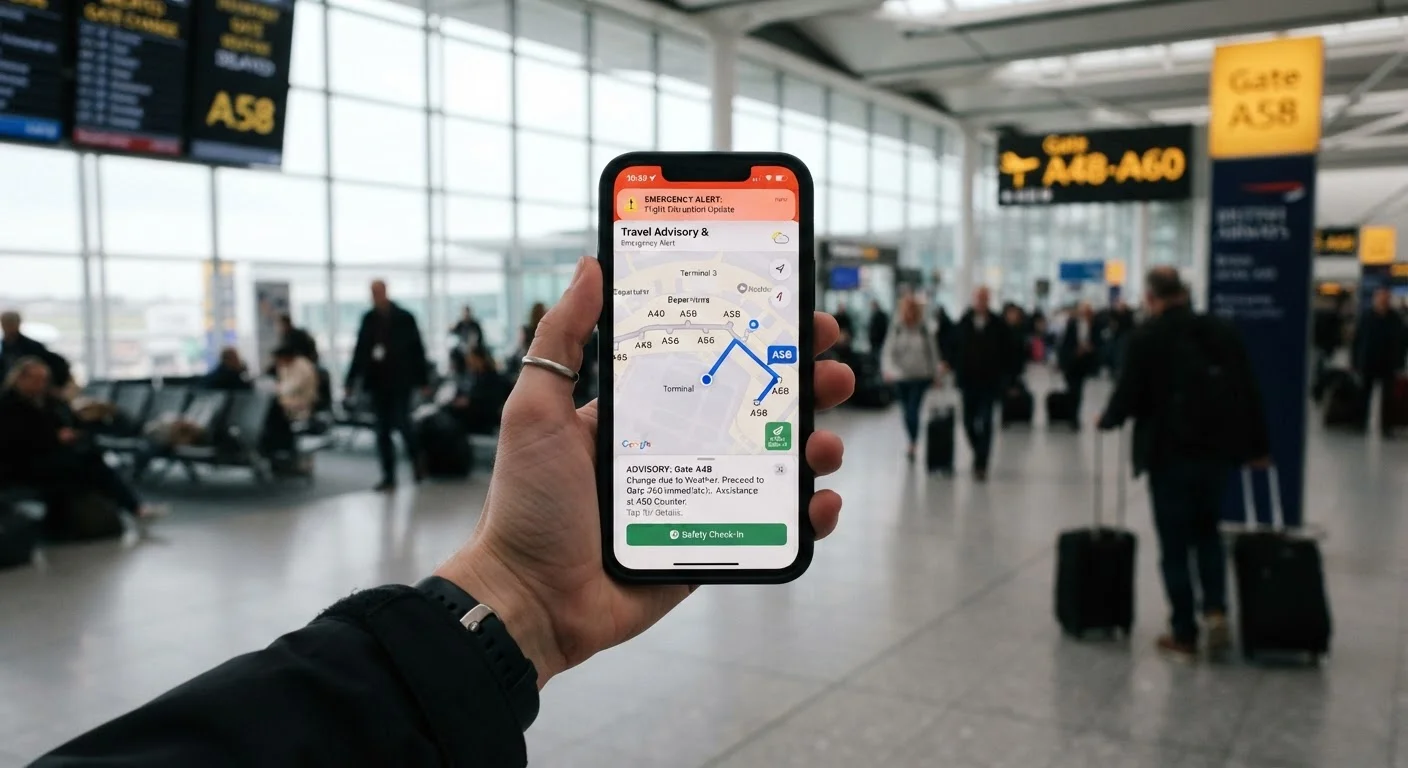
Conditions at a destination can shift - weather events, civil unrest, public health alerts, or entry rule changes. Some apps aggregate official government travel advisories (such as those from the U.S. State Department) and push notifications when a destination's status changes. This is especially useful on longer trips where you're moving between multiple countries.
Be clear-eyed about what advisories mean. Levels range from routine awareness to "do not travel," and the same country may carry different risk levels for different regions. Use advisory tools to inform decisions, not to create anxiety. Always cross-reference with the issuing government's official website for the most current and authoritative information.
Advisory notifications matter most on multi-destination trips where conditions can shift mid-journey.
Locating Medical Facilities or Pharmacies Abroad
If you or a travel companion needs medical attention abroad, knowing where to go quickly matters. Some apps include directories of hospitals, clinics, and pharmacies searchable by location. This is particularly valuable in countries where English-language signage is limited or where healthcare infrastructure varies significantly between urban and rural areas.
If you manage a chronic condition or take prescription medications, note that medication names differ internationally - a drug sold under one brand name in the U.S. may not exist under that name elsewhere. Some apps allow you to store medication information and generic drug names, which you can show to a pharmacist abroad. Always consult your doctor before traveling with prescription medications and carry documentation from your prescribing physician.
Store generic medication names in your app - brand names often don't translate across borders.
Sharing Your Itinerary and Location with Trusted Contacts
Passive location sharing with a trusted contact back home - a family member, friend, or colleague - provides a low-effort check-in system. If you go off-grid unexpectedly, they have a last-known location and itinerary to reference. Some apps allow scheduled check-ins where, if you don't confirm your status by a set time, an alert is sent to your designated contact.
This matters most for solo travelers in remote areas, but it's a reasonable habit for any independent traveler. The end-to-end travel safety reference covers how location sharing fits into a broader safety framework across every stage of a trip.
Scheduled check-ins alert your contacts automatically if you don't confirm your status on time.
Storing Critical Documents for Offline Access
Losing a passport, having a phone stolen, or facing a border crossing without your documentation creates significant stress. Some travel apps let you securely store scanned copies of your passport, visa, travel insurance policy, and vaccination records - accessible offline. This won't replace official documents, but it gives you something concrete to show authorities or an embassy while replacements are arranged.
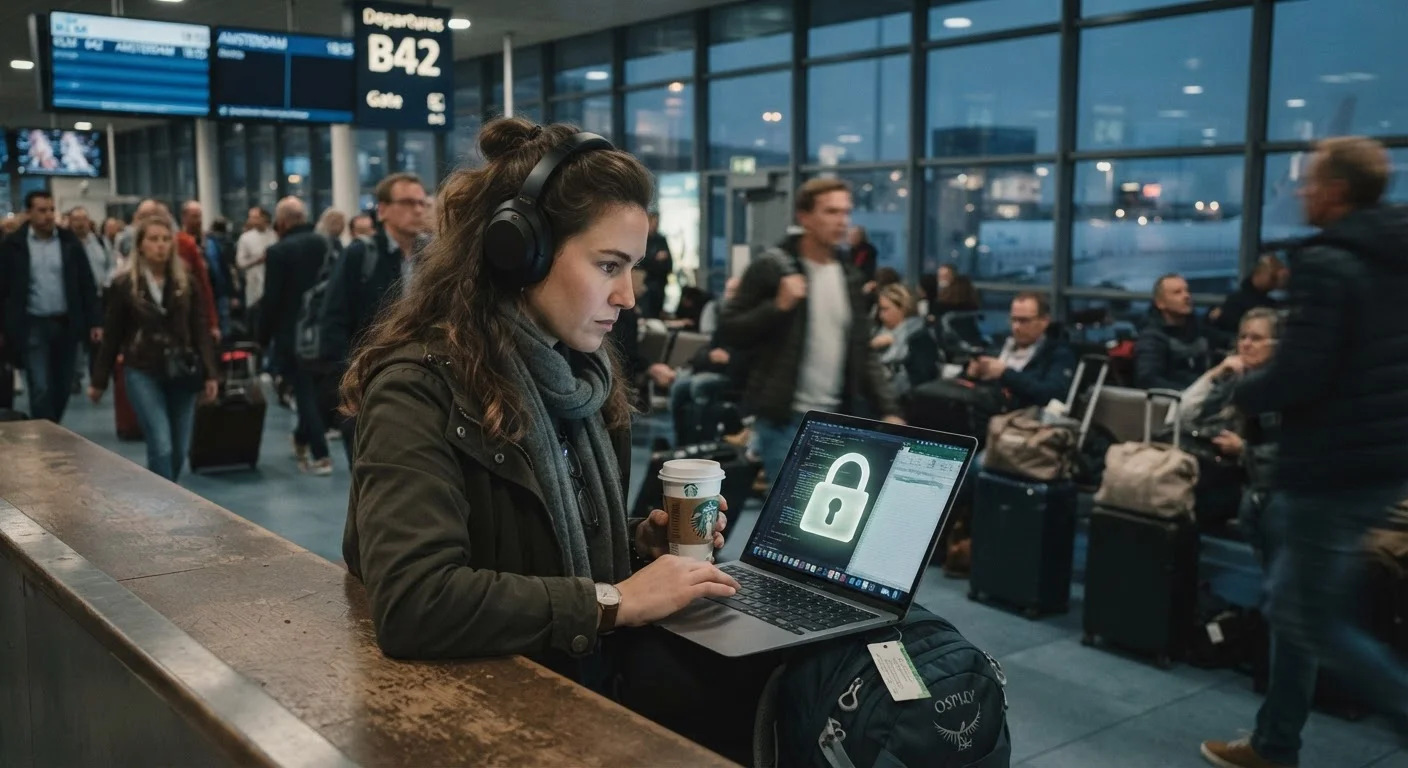
For document storage specifically, consider what security protections the app uses. Look for apps with strong encryption and PIN or biometric protection. If you're also concerned about general digital security while abroad, pairing document storage with sound data protection habits reduces your overall exposure.
Offline document storage won't replace a lost passport, but it gives you something to work with immediately.
Using These Tools Without Over-Relying on Them
Every feature on this list only works if it's configured before you need it. Offline maps must be downloaded while you still have Wi-Fi. Emergency contacts must be entered in advance. Notifications must be enabled. Treat app setup as part of your pre-departure checklist - the same way you'd confirm your passport is valid or check visa requirements.
Set Everything Up Before You Board
App features that require configuration - offline map downloads, emergency contacts, document uploads, location permissions - should all be completed before you leave home, ideally with a Wi-Fi connection. Running through this setup is as important as packing your adapter. A five-minute pre-departure checklist for your apps will save you from scrambling when you actually need them.
Solo travelers in particular benefit from combining app-based check-ins with the kind of behavioral habits that reduce risk in the first place. For a grounded look at those habits, see our piece on solo travel safety habits that hold up in practice. And if you're using apps over public Wi-Fi abroad, pair that with basic digital security practices - because a safety app running on a compromised connection is its own kind of risk.
This article provides general travel safety information for educational purposes. Always verify entry requirements, advisories, and emergency procedures with official government sources and service providers before traveling.