
Why Travel Creates Unique Digital Risk
At home, you use networks you trust, devices you control, and routines you've tested over time. Travel disrupts all three simultaneously. You're connecting to unfamiliar Wi-Fi, using devices in crowded public spaces, and making financial transactions in new environments - often while distracted or fatigued.
These conditions are exactly what opportunistic attackers count on. The threat isn't exotic malware deployed by sophisticated hackers; it's much more mundane: open networks that expose unencrypted traffic, physical device theft in high-tourist areas, and card skimmers installed on ATMs near popular attractions. Most of these risks are preventable with a small amount of preparation before you leave.
For a fuller picture of how common travel assumptions backfire, see travel safety myths that give travelers false confidence.
25%
Travelers who've experienced digital fraud
Roughly one in four travelers report experiencing some form of payment or identity fraud while abroad, according to survey data cited by cybersecurity researchers.
34%
Hotel Wi-Fi users sending unencrypted data
Security audits of hospitality networks have found a significant share of guests transmit sensitive data without any encryption layer in place.
Core Digital Security Practices for Travelers
These habits address the most common threat scenarios travelers face. None requires technical expertise - just consistency.
Use a VPN on every public or hotel Wi-Fi network
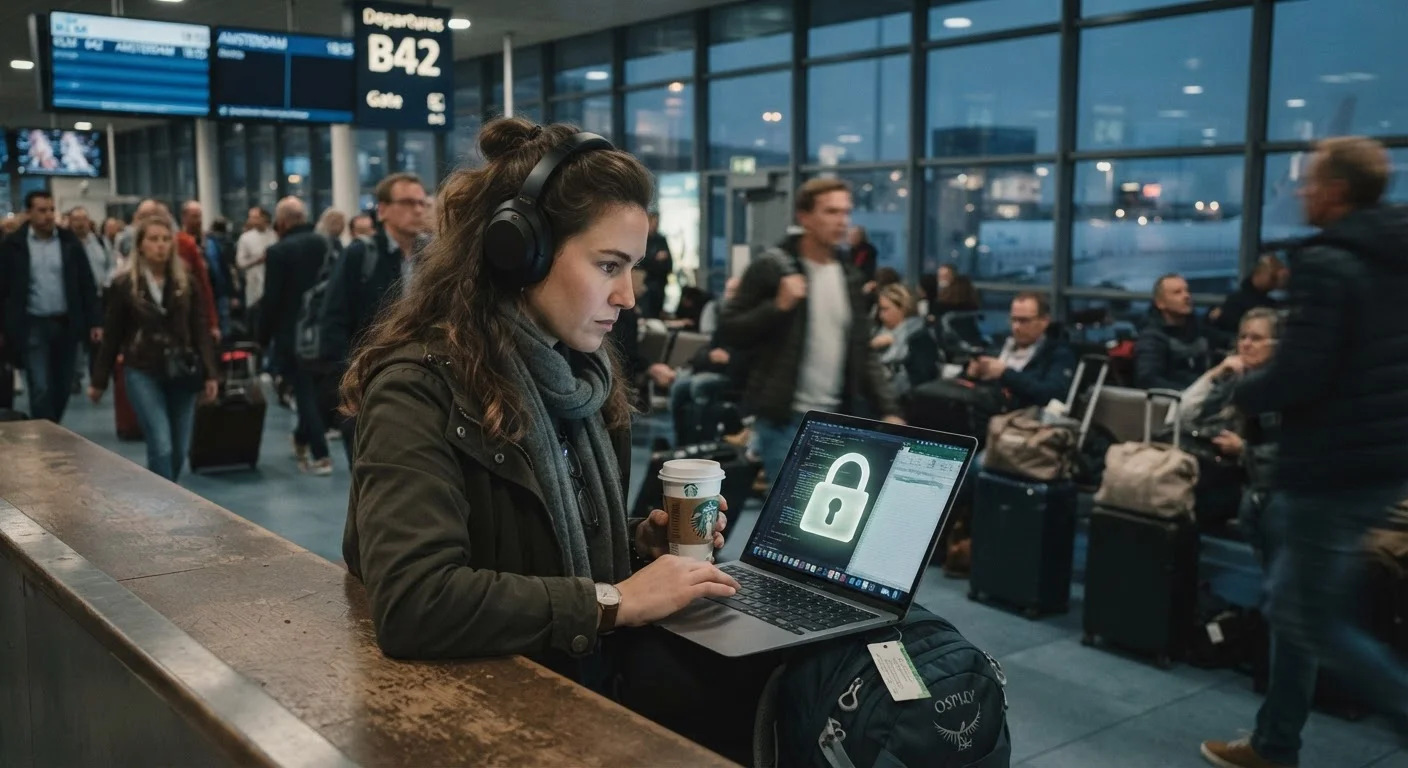
Public Wi-Fi - in airports, cafes, hotels, and transit hubs - is largely unencrypted. Anyone on the same network can potentially intercept traffic. A VPN (Virtual Private Network) encrypts your connection before it leaves your device, making intercepted data unreadable. This is especially important when accessing banking, email, or any account with sensitive data.
Enable two-factor authentication (2FA) on all key accounts before departure
If login credentials are compromised, 2FA creates a second barrier that stops unauthorized access even when a password is known. Setting it up before travel ensures the secondary verification is tied to a device or method you control and have with you.
Use a dedicated travel card and set low transaction limits on it
Keeping a separate card with a capped balance for travel spending limits your exposure if the card number is compromised. It also isolates travel transactions, making fraudulent charges easier to identify. Notify your bank of travel dates so legitimate charges aren't declined.
Inspect ATMs for skimming devices before inserting your card
Card skimmers are physical overlays placed on ATM card slots that capture card data. They're more common near high-traffic tourist areas. A quick visual inspection - checking whether the card slot looks misaligned, loose, or unusually bulky - catches many of these devices.
Avoid accessing sensitive accounts on shared or rental devices
Hotel business center computers and internet cafe terminals may have keyloggers or other monitoring software installed. Any credentials you type on these machines can be captured. This risk is not visible to the user and not mitigated by VPN.
Back up your device and record critical account recovery information before leaving
If a device is lost or wiped remotely, your ability to recover accounts depends on having backup codes, recovery emails, and contacts stored somewhere accessible but secure. Without this, a single lost device can lock you out of multiple accounts simultaneously.
Quick Actions You Can Take Before Your Trip
Many of the most effective security steps happen at home, before you board. Retrofitting security on the road is harder and less reliable.
If you're also thinking through what happens when things go wrong - lost device, compromised account - building a travel emergency plan before you leave home walks you through the contingency framework.
Managing Physical Device Security
Software security is only part of the equation. A device that's physically stolen bypasses every password if the screen isn't locked - and a stolen device with saved banking logins is a much larger problem than a stolen wallet.
Enable full-device encryption on both phones and laptops before departure - this is a standard setting on modern iOS and Android devices and most current laptops. Set screen lock to trigger after no more than 60 seconds of inactivity. Enable your device's built-in tracking feature (Find My on iOS, Find My Device on Android) and confirm it works before you travel. Never leave devices unattended in vehicles or checked luggage.
For document security that complements your device strategy, keeping paper vs. digital copies of travel documents covers the honest trade-offs between formats.
Remote Wipe: Know the Steps Before You Need Them
If your phone is stolen, you may have a narrow window to trigger a remote wipe before the battery dies or the SIM is swapped. iOS users can initiate this through iCloud; Android users through Google's Find My Device. Practice the steps once at home so you're not learning them under stress at a police station abroad. Note that a remote wipe is irreversible - only trigger it when you're confident recovery is unlikely.