
Why Document Strategy Matters Before You Leave
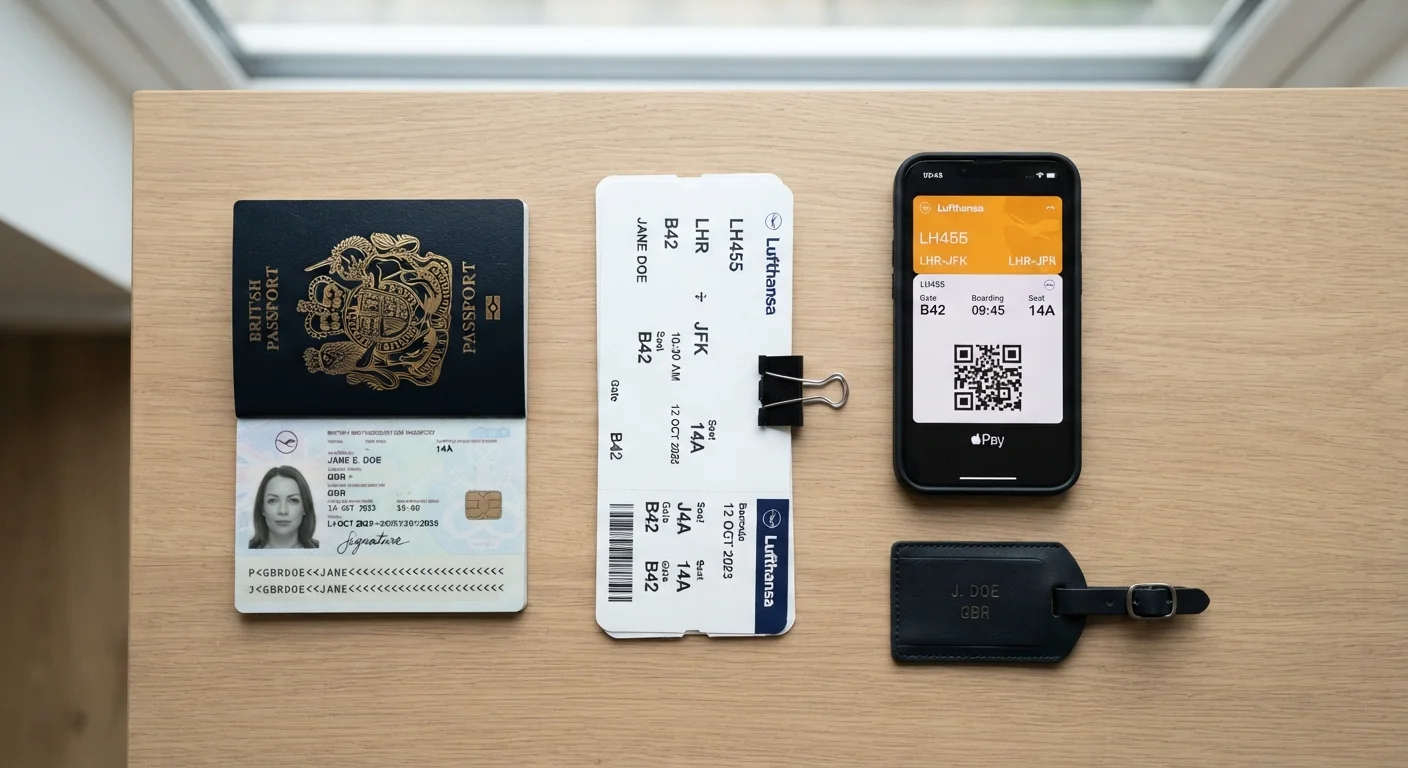
Losing a passport mid-trip or arriving at a border without accessible proof of onward travel are real scenarios travelers face - not edge cases. How you store and protect your travel documents directly shapes how quickly and cheaply you can resolve those situations.
This comparison focuses on the practical trade-offs between paper and digital copies of key travel documents: passports, visas, e-tickets, travel insurance certificates, and medical records. It doesn't cover original documents, which should always be kept separately from any copies. Whether you're packing light for a short trip - see our guide to carry-on-only travel for packing considerations - or navigating a multi-country itinerary, your document strategy deserves deliberate planning.
The Case for Paper Copies
Paper remains the format that works when everything else fails. No battery required, no login needed, no connectivity dependency. At remote border crossings, consulate offices, or during a phone theft, a physical copy of your passport data page or visa approval can mean the difference between a manageable setback and a multi-day crisis.
Several practical advantages stand out:
- Universal readability: Any official anywhere can read a printed page. Digital formats may not display correctly or be accepted by all agencies.
- No access barriers: Power outages, drained batteries, and locked accounts don't affect paper.
- Consulate and embassy use: Many consulates still require physical copies when replacing a lost passport. A printed copy of your passport photo page and visa can significantly speed up that process.
The core vulnerability is equally obvious: paper can be stolen along with your bag, soaked by rain, or lost. Storing paper copies in a different location from your originals - a money belt, hotel safe, or a bag left with a trusted companion - reduces but doesn't eliminate that risk.
Store Paper Copies in Multiple Locations
Print two sets of your most critical documents - passport data page, visa confirmation, travel insurance policy number, and emergency contacts. Keep one set on your person and leave a second set at your hotel or with a trusted contact at home. Spreading copies across locations means a single theft or loss event doesn't eliminate all backups at once.
The Case for Digital Copies
Digital storage addresses the physical loss problem directly. A scan of your passport uploaded to a secure, encrypted cloud service can be accessed from any internet-connected device anywhere in the world - your own phone, a hotel business center computer, or a friend's device.
Key advantages include:
- Remote accessibility: If your bag is stolen, you can retrieve digital copies without needing anything that was in the bag.
- Ease of sharing: Emailing a copy of a travel insurance certificate to a relative or forwarding a visa confirmation to an airline is straightforward.
- Space and weight: Carrying six printed documents adds up. A phone carries everything.
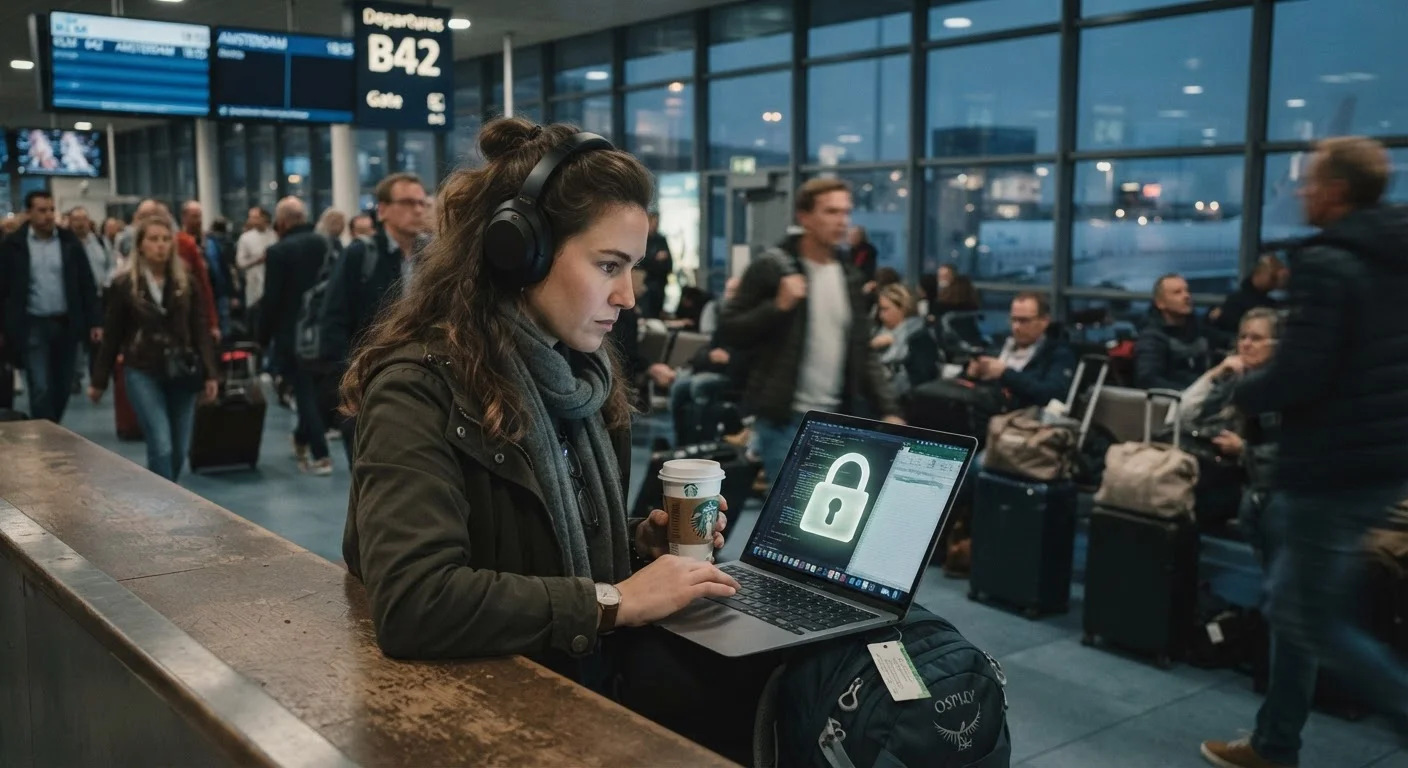
Digital copies introduce their own risks, however. Device theft is common in many tourist-heavy destinations. Accessing cloud storage on public Wi-Fi without a VPN exposes your credentials. Our guide to digital security while traveling covers the specific steps to protect your accounts and devices on the road.
Cloud Storage Isn't Risk-Free
Uploading sensitive documents to a cloud service introduces real security considerations. Use a service that offers end-to-end encryption and enable two-factor authentication on your account. Avoid accessing your documents over unsecured public Wi-Fi without a VPN, and never store your cloud login credentials in the same bag as your phone.
Head-to-Head: Key Criteria Compared
The table below summarizes how the two formats compare across the criteria that matter most in real travel situations.
| Paper Copies | Digital Copies | |
|---|---|---|
| Works without power or internet | Yes - always | No - requires battery and/or connectivity |
| Accessible after device theft | Only if not in same bag | Yes, via cloud on any device |
| Accepted by border officials | Generally yes | Varies - verify in advance |
| Risk of physical loss or damage | High if not stored separately | Low - no physical form |
| Security risk | Physical theft | Hacking, phishing, public Wi-Fi exposure |
| Ease of sharing remotely | Difficult | Easy - email or cloud link |
| Space and weight | Adds bulk to bag | Minimal - stored on phone |
One point worth emphasizing: digital copies are not automatically accepted as proof of identity or entry by airlines and border agencies. Always confirm in advance what format a specific authority requires. The same applies to documentation for prescription medications - requirements vary significantly by country, as covered in our overview of traveling with prescription medication.
How to Structure a Practical Dual-Format System
The most resilient approach isn't a debate between formats - it's a deliberate system that uses both. Here's a structure that works for most travelers:
- Paper set one: Stored in your carry-on or day bag - copies of passport data page, visa approvals, travel insurance details, and emergency contacts.
- Paper set two: Left at your accommodation or given to a trusted person at home.
- Digital set: Uploaded to an encrypted cloud service (not just stored locally on your phone) and accessible with a strong, unique password. Keep the login credentials memorized or stored separately from your device.
If you prefer thinking through different planning formats more broadly, the comparison of digital tools vs. paper planning explores how different travelers approach organization overall.
Finally, keep originals and copies physically separate at all times. A thief who takes your bag gets your copies; your originals - kept in a hotel safe or a different bag - remain accessible.