
Why Format Matters More Than People Expect
Most budget failures aren't caused by bad math - they're caused by choosing a system that doesn't fit how a person actually thinks, organizes, or spends time. A beautifully designed spreadsheet that sits untouched by week two is less useful than a notebook reviewed daily. If you're building your first monthly budget, the format question deserves as much attention as the categories themselves.
The three most common budgeting formats - paper, spreadsheets, and dedicated apps - each reflect different assumptions about how people engage with money. Understanding those assumptions helps you choose the one most likely to stick.
Paper Budgeting: Slow, Intentional, and Low-Tech
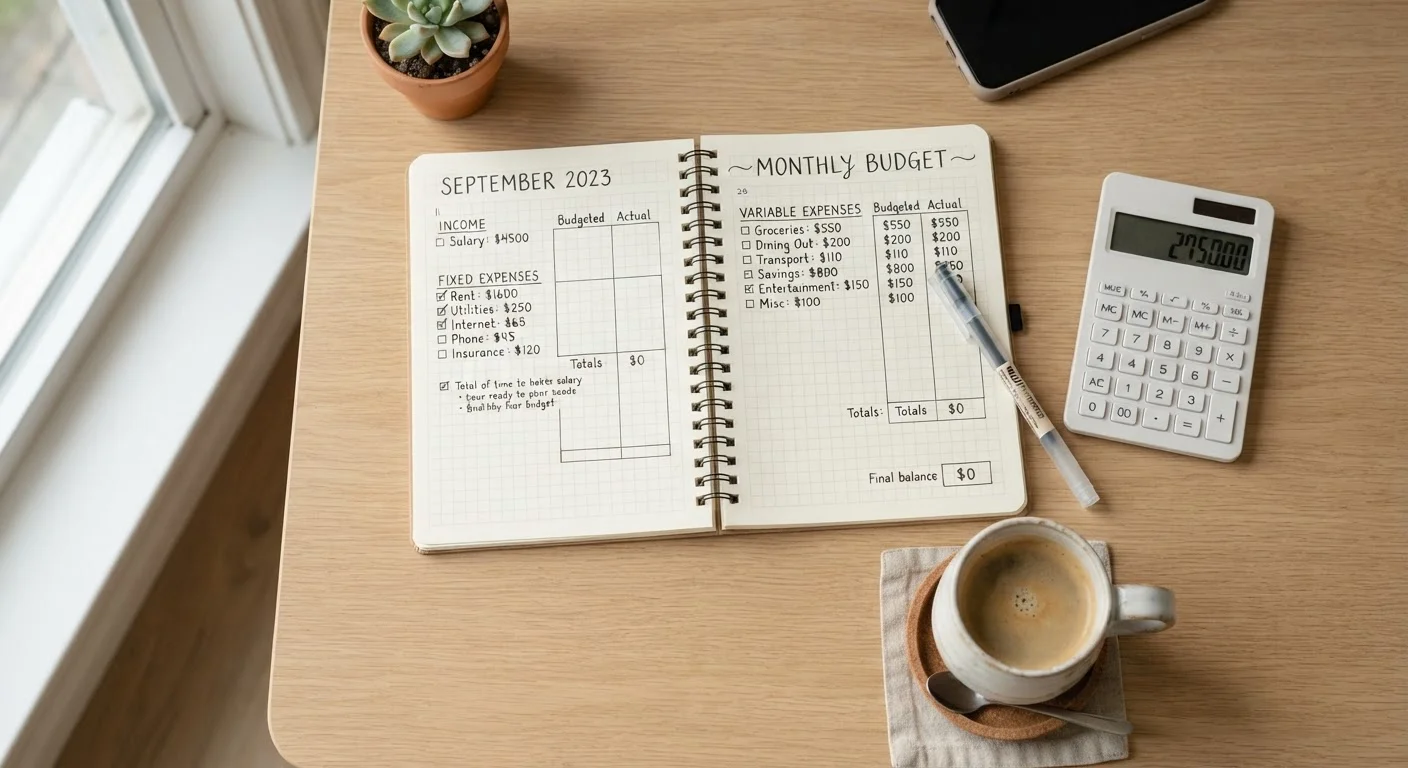
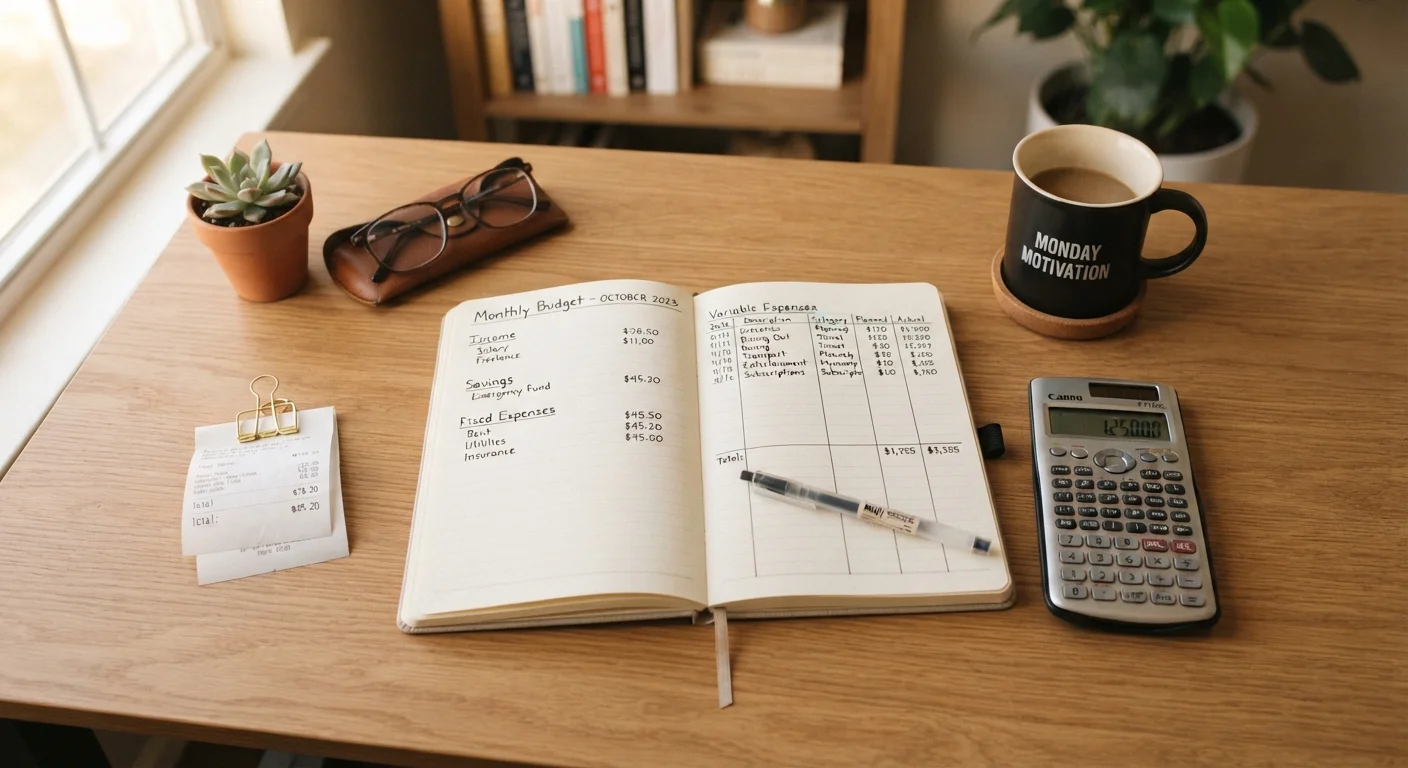
Writing a budget by hand creates friction - and for many people, that friction is a feature. The physical act of recording income and expenses forces a moment of deliberate attention that digital methods can bypass. Research in cognitive psychology suggests that handwriting engages memory and comprehension differently than typing, though findings on this vary by task and individual.
Paper budgeting works well for people who:
- Prefer to disconnect from screens during financial planning
- Have relatively simple income and expense structures
- Benefit from a weekly or monthly ritual rather than passive tracking
- Are prone to over-complicating digital systems and abandoning them
The trade-offs are real: there's no automation, no alerts, no auto-calculation, and physical notebooks can be lost or damaged. Tracking irregular or variable income - a common challenge for freelancers - is particularly cumbersome on paper. If that describes your situation, see strategies for budgeting on an irregular income.
Spreadsheets: The Power-User Middle Ground
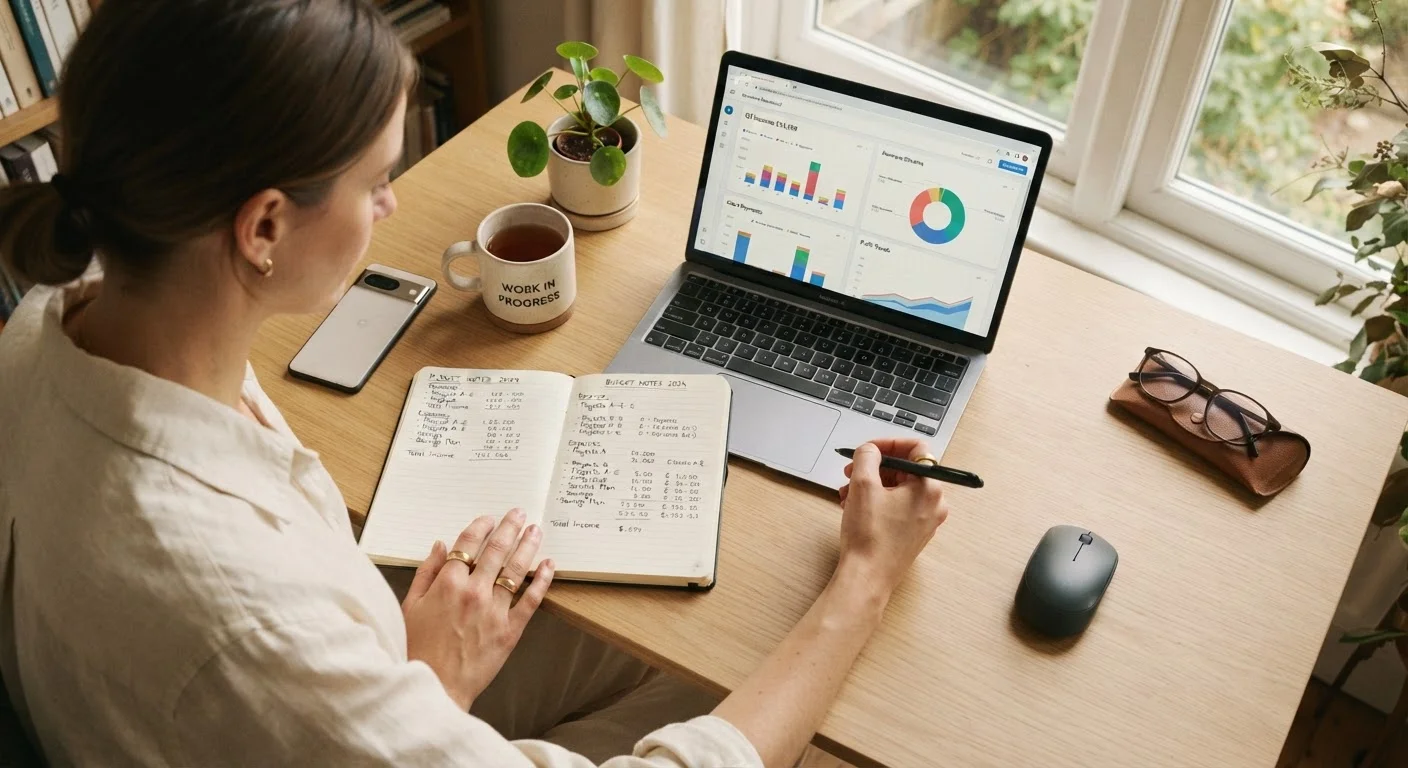
A well-built spreadsheet offers what neither paper nor apps can fully replicate: complete structural control. You decide every category, every formula, every view. Tools like Google Sheets or Microsoft Excel are free or included in existing subscriptions, making them cost-effective for people willing to invest setup time.
Spreadsheets suit people who:
- Want to model scenarios (e.g., "what if I cut dining out by $200?")
- Manage multiple income streams or irregular pay
- Prefer to store financial data locally or in their own cloud account
- Enjoy building systems and iterating on them over time
| Paper Budgeting | Spreadsheets | Budgeting Apps | |
|---|---|---|---|
| Setup effort | Minimal - pen and paper | Moderate - requires building templates | Low - guided onboarding |
| Customisation | Fully manual, limited structure | Highly flexible and tailored | Template-based, limited |
| Automation | None | Partial (formulas) | High (bank sync, alerts) |
| Privacy risk | None | Low (stored locally) | Higher (linked accounts) |
| Cost | Near zero | Free (Google Sheets) | Free to $15+/month |
| Best for | Tactile, deliberate thinkers | Analytical, detail-oriented users | Busy, automation-preferring users |
| Portability | Physical only | Cloud-accessible | Always on mobile |
| Learning curve | Negligible | Moderate | Low to moderate |
The downside is maintenance load. Spreadsheets don't sync with bank accounts automatically - every transaction must be entered manually or imported via CSV. They also require some formula literacy to get full value. If your budget tends to break down mid-month, a monthly review process can help keep a spreadsheet system honest.
Budgeting Apps: Low Friction, High Automation
Dedicated budgeting apps reduce the manual effort of tracking by connecting directly to bank accounts and credit cards, categorizing transactions automatically, and sending alerts when spending approaches set limits. For busy adults who won't sit down weekly to enter data, this automation can make the difference between maintaining a budget and abandoning one entirely.
Apps also tend to offer visual reporting - charts, category breakdowns, trend lines - that can surface spending patterns a spreadsheet user might miss. If you're weighing app-based limits against cash-based systems, the comparison between envelope budgeting and digital spending caps covers that trade-off in depth.
App Security Deserves Attention
Budgeting apps that sync with bank accounts require you to share login credentials or grant third-party access through open banking protocols. Review each app's privacy policy and data-sharing practices before connecting accounts. If you're uncomfortable with that trade-off, a spreadsheet or paper system carries no equivalent risk.
Apps vary considerably in what they offer for free versus behind a paywall, and subscription costs can add up. Evaluate whether the features you'd actually use are available on a free tier before committing.
Try Before You Commit
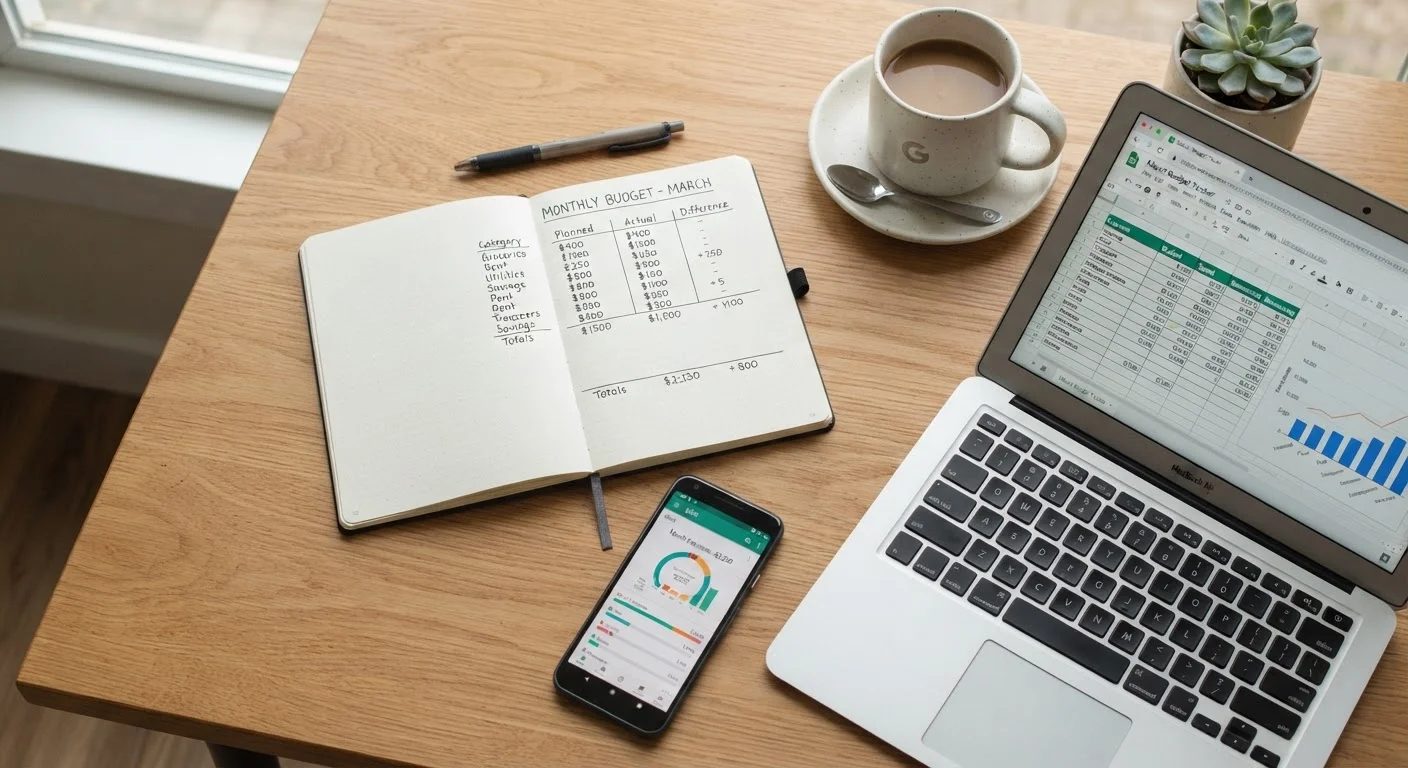
Run two methods in parallel for a single month before abandoning either. Many people discover their natural preference only after experiencing both under real conditions. A hybrid approach - such as weekly paper reviews backed by app transaction logs - can also work well long-term.
Matching Method to Personal Style
The right format isn't about sophistication - it's about fit. A few honest questions can guide the choice:
- How do you prefer to process information?
- Visual and tactile learners often do well on paper. Analytical thinkers tend to prefer spreadsheets. People who want passive oversight lean toward apps.
- How variable is your income?
- Variable earners generally need the modeling flexibility of a spreadsheet. Fixed-income households can work well with any format.
- How much time will you realistically commit?
- Paper and apps require less upfront build time. Spreadsheets pay off over months, not weeks.
- What's your history with budgets collapsing?
- If previous budgets failed in month two, identifying why matters as much as choosing a format.
For those focused on building savings alongside tracking spending, any of these methods can support a saving and emergency fund strategy - what matters is that the system gets used. There's no format penalty for simplicity. A single notebook page used consistently outperforms an abandoned app every time.
This article is for general informational purposes only and does not constitute personalized financial advice. Consult a qualified financial professional for guidance specific to your situation.