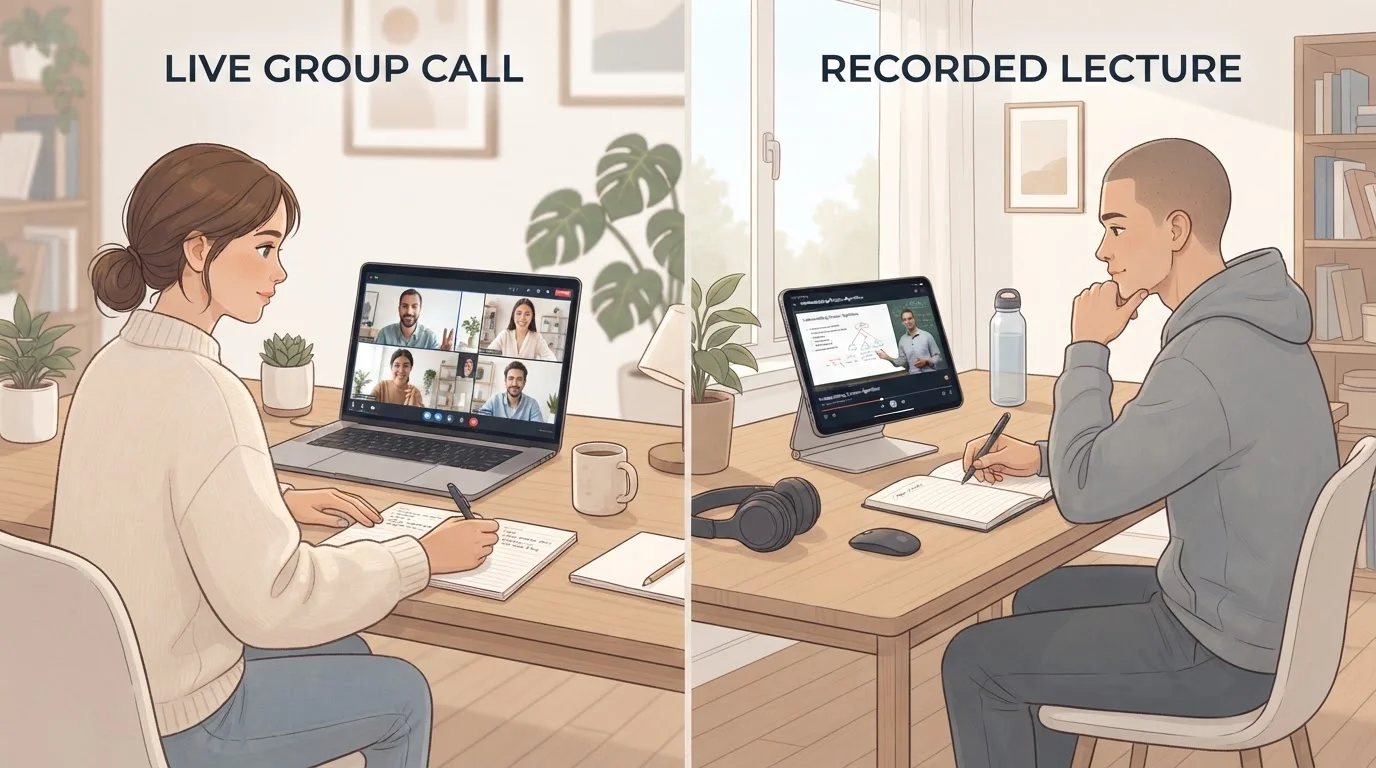


Why Time Zone Friction Is a Real Barrier - and a Solvable One
International online learners represent a significant and growing share of enrollment on major learning platforms, yet most course design still defaults to the provider's home time zone. The result is a structural mismatch: deadlines expire while learners sleep, live sessions run at 2 a.m., and peer collaboration assumes shared daytime hours that don't exist.
The friction is real, but it's largely logistical rather than academic. Learners who build explicit systems to manage the time gap consistently perform as well as local students - and sometimes better, because they develop stronger self-direction habits out of necessity. The field guide for working adult learners covers the broader challenge of fitting study into a full life; time zone management is one specific layer of that puzzle.
Check Live Session Requirements Before Enrolling
Some courses marketed as 'flexible' still require real-time attendance for exams, group presentations, or office hours. Before you commit time and money, ask the provider directly whether any components are mandatory and live - and confirm the exact broadcast time zone. Discovering a 3 a.m. exam requirement after paying tuition is an avoidable surprise.
The steps below address the most common friction points: understanding your course format, converting schedules accurately, staying engaged without live access, and building peer relationships across distance.
What you will need
Tools and Setup Before You Begin
Effective time zone management requires very few tools, but the right ones save significant frustration. A reliable converter and a well-configured calendar are non-negotiable; everything else is optional depending on your course format.
World Time Buddy or similar time zone converter
Converts course deadlines and live session times into your local time at a glance.
Digital calendar (Google Calendar, Outlook, or equivalent)
Stores all converted deadlines and study blocks in your local time zone with reminder alerts.
Video playback app with variable speed control
Lets you review recorded lectures efficiently when live attendance isn't possible.
Asynchronous messaging tool (course forum, Slack, or equivalent)
Enables peer collaboration and instructor questions without requiring simultaneous availability.
Once your tools are in place, work through the steps below in order. Each one builds on the previous - skipping the schedule-conversion step, for example, makes the later steps much harder to sustain.
Identify your course's live vs. on-demand requirements
Before building any schedule, determine exactly which elements of your course require real-time attendance and which are available on demand. Check the syllabus for mandatory live sessions, office hours, synchronous group work, and proctored exams. If the information isn't clear, email your instructor before the course begins. Understanding the difference between synchronous and asynchronous formats is essential before you can plan realistically.
Convert all key dates to your local time zone immediately
Open the course calendar or syllabus and systematically convert every deadline, live session, and exam to your local time. Use a reliable time zone converter and account for daylight saving time differences - your offset from the course provider's location may shift mid-semester if your regions don't change clocks on the same date. Record the converted times in your personal calendar with alerts set at least 24 hours in advance.
Build a weekly study block around your real availability
Map out when you are realistically able to study - considering work, family, and sleep - and assign fixed blocks to course activities. Prioritize mandatory live sessions first, then place reading, assignment work, and forum participation in the remaining slots. Treat your study blocks as non-negotiable appointments. Learners who schedule study time explicitly are significantly more likely to complete courses than those who plan to study 'whenever there's time.'
For broader guidance on sustaining momentum once you start, see the practical techniques for making a course stick.
Contact your instructor early about your time zone situation
Send a brief, professional message at the start of the course introducing yourself and noting your location and time zone. Ask specifically whether recordings will be available for any sessions you cannot attend live, and confirm the authoritative time zone for all deadlines. Most instructors appreciate this proactive approach and may offer accommodations - or at minimum, ensure you know the ground rules before a conflict arises.
Engage actively through asynchronous channels
Discussion boards, peer review assignments, and instructor Q&A threads are your primary participation tools when live attendance is limited. Post your discussion contributions within the window specified by your instructor, respond thoughtfully to at least two classmates, and ask clarifying questions in writing rather than waiting for a live session. Quality of engagement typically matters more than timing in asynchronous formats.
[tip_callout]Build connections with classmates in compatible time zones
Scan the course introduction forum or learner profiles for participants in nearby time zones or with overlapping availability. A small study group - even two or three people - provides accountability, helps clarify confusing material, and reduces the isolation that international learners often report. Shared documents, messaging apps, and recorded group calls make collaboration practical even without perfect schedule alignment.
The skills you build through structured peer collaboration translate directly into career and personal skill development that extends beyond any single course.
Staying Engaged When You Can't Be There Live
The anxiety many international learners feel about missing live sessions often exceeds the actual academic impact. Most well-designed online courses - particularly those offered through established platforms - are built to accommodate asynchronous participation. Understanding how synchronous and asynchronous learning differ helps you identify which parts of your course are truly attendance-dependent and which offer more flexibility than they initially appear.
Deadline Time Zones Can Catch You Off Guard
Most platforms post deadlines in the institution's local time zone, not yours. A submission due 'Sunday at 11:59 p.m.' may already be closed in your location. Always convert every deadline to your local time at the start of each week and build in a buffer of several hours.
Where live attendance is genuinely impossible, focus your energy on the written record: post substantive discussion contributions, respond to peer work with specific observations, and follow up with instructors via email when you need clarification. Instructors evaluating participation typically look at consistency and quality of engagement - both of which are fully achievable across any time zone.
Retention is the other variable that matters. Watching a recorded lecture at 1.5x speed the morning after it aired is not the same as live attendance, but it can be equally effective if paired with active note-taking and review. For techniques that improve how much you actually retain from online material, the guide to making an online course stick provides structured approaches that work well for independent, self-paced review sessions.